
Roomba not charging, brush stuck, or bumping into walls? This page walks you through the most common Roomba problems — battery, brush, navigation, and error codes — with an AI-guided diagnostic and real repair videos matched to your exact issue. More FAQs
Fix Roomba Robot Vacuum — AI+Video Interactive Diagnostics
Describe your problem below. Our AI will match you with the most relevant repair video and help you understand what is causing the issue — and what to do about it.
- Charging and battery issues
- Main brush or roller jams (Error 2)
- Navigation errors and getting stuck
- Wheel jams (Errors 4 and 5)
- Bumper jams problem
These are the videos our AI matches you to during your chat session below — describe your problem and it'll pick the right one and answer your questions as you go. You can also browse them here first.
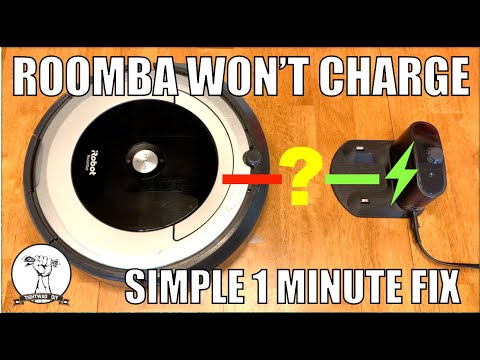
Roomba Won't Charge — Robot Vacuum Not Charging Fix
Why is iRobot Roomba Brush Not Spinning — How to Fix
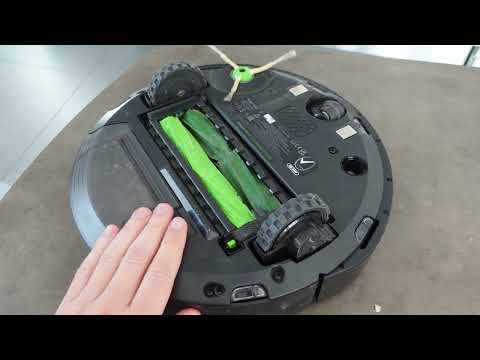
Roomba Not Moving Forward — Navigation Troubleshooting
How to Fix iRobot Roomba Stuck Error 5 — Right Wheel Troubleshooting
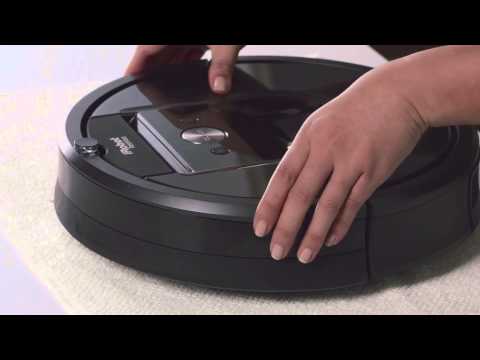
Bumper Troubleshooting Roomba 980 or iRobot
FAQ: Roomba Robot Vacuum
❓ What does this Roomba diagnostic page do?
This page provides an AI-guided troubleshooting flow for the most common Roomba problems — charging failures, brush jams, navigation issues, wheel errors, and bumper jams. It combines step-by-step questions with real repair videos matched to your symptoms.
🤖 How does the AI choose the right fix?
The diagnostic asks simple questions about what your Roomba is doing — not charging, stuck, spinning, beeping, or showing an error code. Based on your answers, it highlights the correct symptom box and selects the matching repair video.
🛠️ What problems can this diagnostic help with?
The tool covers charging issues, brush jams (Error 2), navigation problems, wheel errors (4 & 5), and bumper stuck problems. These represent the five most common Roomba failures.
🎥 Does this page include real repair videos?
Yes. Each major Roomba problem has a full repair walkthrough video embedded in the page. The AI diagnostic links directly to the correct one as soon as it identifies your issue.
👀 Can I browse the videos without using the AI?
Yes. The page includes a video grid where all five repair videos are visible and clickable even without interacting with the diagnostic.
🧭 What Roomba models does this help with?
The fixes apply to most iRobot Roomba models, including 600, 700/800, 900 (like Roomba 980), i-series, and e-series. The issues covered are shared across nearly all generations.
⚠️ What if my Roomba shows Error 2, 4, or 5?
The diagnostic includes direct video fixes for Error 2 (brush jam), Error 4 (wheel obstruction), and Error 5 (wheel motor jam). These errors are matched automatically when you describe the symptom.
🌱 Is this safe for non technical people?
The page is here to help people diagnose Roomba issues and give them some guidance in order to solve the problem. Follow the instructions and make sure the power is off when working on areas that can be dangerous, like spinning objects and high voltages.
🔧 Do I need tools to fix my Roomba?
Most fixes require no tools — just cleaning charging contacts, removing hair from the brush, or clearing debris from wheels or the bumper. Some deeper fixes may require a screwdriver, but the videos show exactly when and how.
🔁 What if my Roomba still doesn’t work?
If the diagnostic and videos don’t resolve the issue, you can reset the Roomba, check battery age, inspect wheels and sensors for hidden debris, or consider a replacement battery or wheel module. You can also restart the diagnostic using the Reset Session link.