
Fix Apple iMac 21.5-inch Late 2013 Issues — AI+Video Interactive Diagnostics
Common Apple iMac 21.5-inch Late 2013 Problems
Describe your issue below to get matched with the best repair video.
- Hard drive failure and replacement
- Overheating and fan noise issues
- Screen flickering or display problems
- RAM upgrade difficulties
- Power supply issues and no startup
These are the videos our AI matches you to during your chat session below — describe your problem and it'll pick the right one and answer your questions as you go. You can also browse them here first.
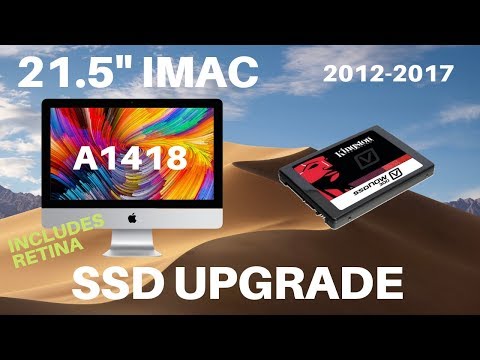
21.5" iMac Hard Drive Replacement or SSD Upgrade 2012-2017 (Including Retina) A1418
Complete hard drive or SSD replacement on 21.5-inch iMacs from 2012-2017.
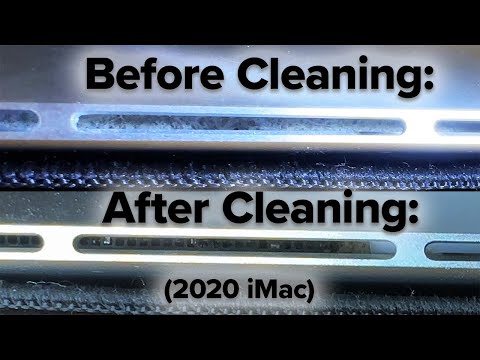
Slow iMac? "kernel_task" Overheating Your CPU? Loud Fan? Clean Your Air Intakes!
Fixing overheating and loud fan issues by cleaning dust from air intakes.
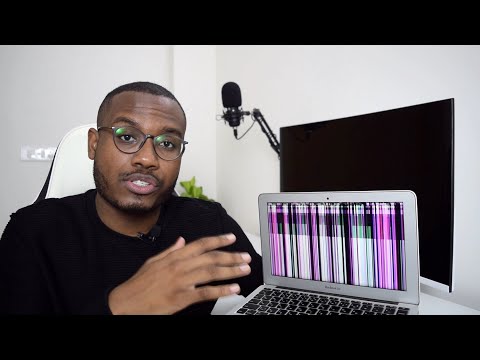
Macbook Screen Flickering Lines Problem Solution!
Troubleshooting various screen flickering and display line issues.
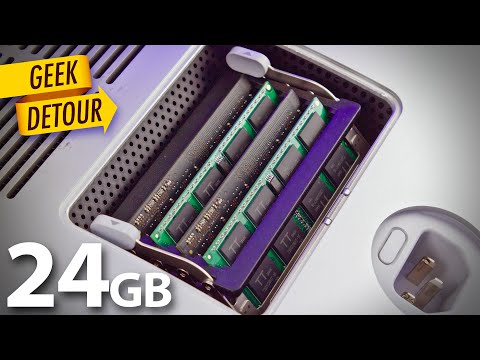
iMac RAM Upgrade mixing different memory sticks: 27" iMac late 2013
Upgrading RAM and understanding memory compatibility for Late 2013 iMacs.
imac power supply problem
Diagnosing and repairing power supply issues preventing startup.