
Fix Lenovo ThinkPad T430 Issues — AI+Video Interactive Diagnostics
Common Lenovo ThinkPad T430 Problems
Describe your issue below to get matched with the best repair video.
- keyboard keys not working or sticky
- battery not charging or holding charge
- screen flickering or black display
- overheating and loud fan noise
- hard drive failure or slow performance
These are the videos our AI matches you to during your chat session below — describe your problem and it'll pick the right one and answer your questions as you go. You can also browse them here first.

How To Fix Troubleshoot Laptop Computer Key, Keys, or Keyboard Not Working
Fixing individual keys or keyboard issues on laptops with both physical and software solutions.

How to Fix ANY Laptop Not Charging Battery
Resolving common battery charging issues with hard reset and troubleshooting steps.
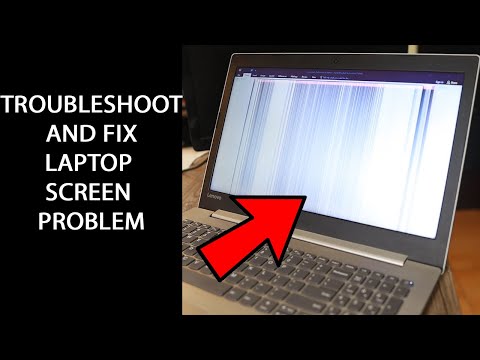
Laptop Display Screen Problem | How to troubleshoot and repair it yourself!
Diagnosing and fixing common laptop display problems including flickering and black screens.
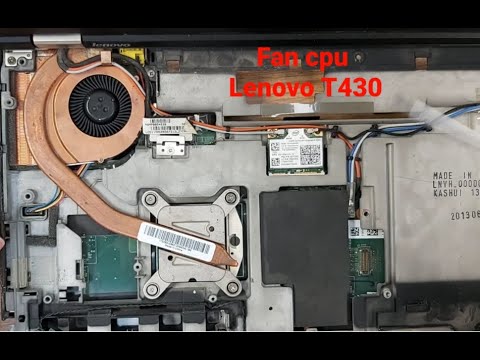
LENOVO T430 FAN REPLACEMENT
Step-by-step fan replacement specifically for the Lenovo ThinkPad T430 model.

How to Repair a Broken Hard Drive With Beeping or Clicking Noise (Recover Your Data)
Attempting data recovery from failing hard drives with mechanical issues.