
Fix Epson WorkForce WF Series - AI+Video Interactive Diagnostics
Common Epson WorkForce WF Series Problems
Describe your issue below to get matched with the best repair video.
- Paper jam or paper feed failure
- Blank pages, missing colors, or clogged printhead
- Error code 0x97 (hardware failure)
- Wi-Fi or connectivity issues - printer offline
- Load paper error - printer does not recognize paper
These are the videos our AI matches you to during your chat session below — describe your problem and it'll pick the right one and answer your questions as you go. You can also browse them here first.
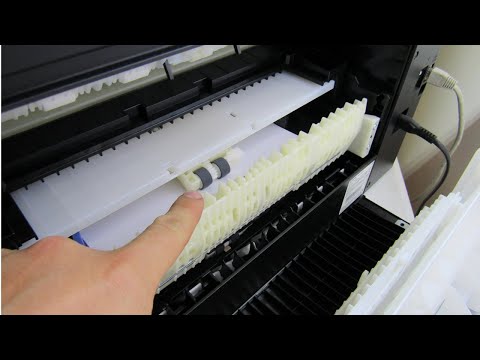
How to fix EPSON WorkForce Paper Feed and Jam Problems
Cleaning internal print rollers and clearing stubborn paper jams that cause Out of Paper or Paper Jam errors despite paper being loaded.
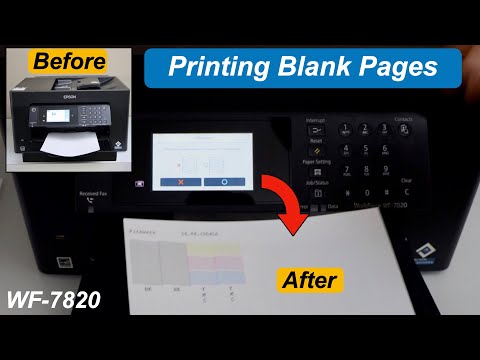
Epson WF 7820 Printing Blank Pages - Fix In 2 Easy Steps
Resolving blank pages or missing colors using the built-in head cleaning utility and manual troubleshooting to unclog nozzles.
How to fix Error 0x97 on Epson printers
Sequence of reset steps and internal checks to clear the dreaded 0x97 hardware error caused by an internal motherboard conflict.
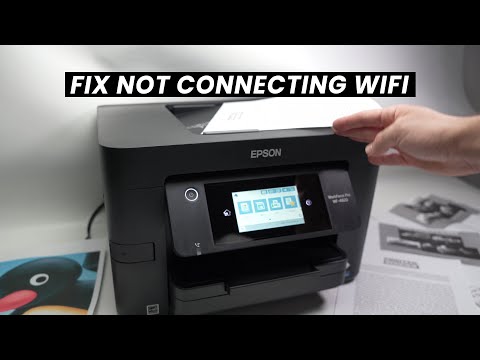
How to Fix Wifi Problems on Epson WorkForce Pro Printers
Firmware update procedures and network reset steps for printers showing offline or unable to connect to the network on the WorkForce Pro line.
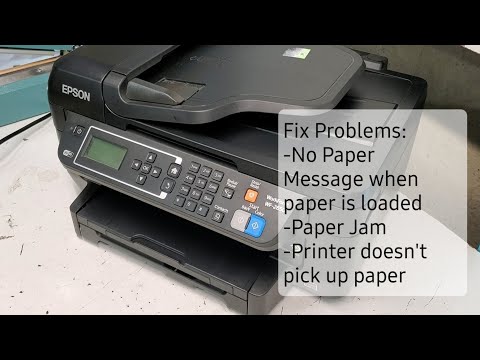
Fix Paper Missing and Jam Problems on Epson Workforce Printers WF-2650 WF-2750
Troubleshooting sensor issues that cause the printer to fail to recognize paper in the tray, covering mechanical alignment of the tray and sensors.
Epson Printer Troubleshooting Step For Common Errors | Printer Tales
Comprehensive guide covering seven troubleshooting methods including firmware overrides, manual printhead cleaning for streaky prints, error 0x97, and ink cartridge not recognized symptoms.