
Fix ASUS RT-AX Series Router — AI+Video Interactive Diagnostics
Common ASUS RT-AX Series Router Problems
Describe your issue below to get matched with the best repair video.
- WAN red light or no internet connection
- 2.4GHz or 5GHz band dropping signal
- ISP DHCP or connection handshake failure
- Thermal throttling or overheating
- Corrupted firmware or power LED flashing slowly
These are the videos our AI matches you to during your chat session below — describe your problem and it'll pick the right one and answer your questions as you go. You can also browse them here first.

How to Fix Asus Router Red Light
Physical and software-based steps to clear the WAN error including power cycling sequences and cable verification specifically for ASUS AX models when the router is powered on but cant establish an internet handshake.
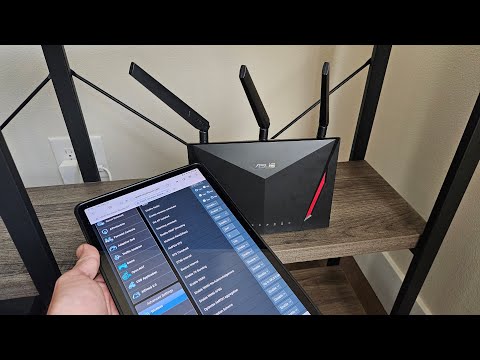
Solved: 2.4GHz band being dropped. Asus Router
Adjusting internal wireless settings like Control Channels and Channel Bandwidth to stabilize the AX-series Wi-Fi radio when specific bands disappear or disconnect devices frequently.

Troubleshoot new ASUS router: Your ISPs DHCP does not function properly
Specific MAC Cloning and DHCP query frequency adjustments needed to get ASUS RT-AX routers to communicate with picky ISP modems when seeing the Your ISPs DHCP does not function properly error.
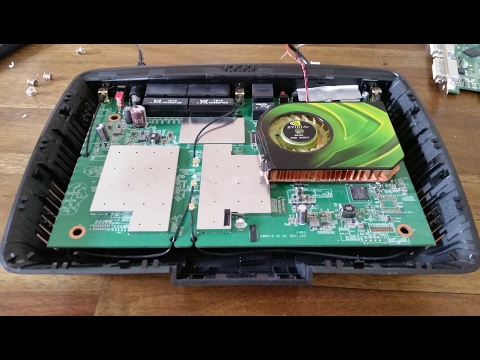
How To Cool Your Router With a GPU Fan
DIY hardware modification showing how to adapt external cooling solutions to keep the router internal components within safe operating temperatures and prevent reboots and slow speeds caused by high CPU temperatures.

DIY Asus Router Bricked or Failed Firmware upgrade SOLVED
Step-by-step walkthrough of using the ASUS Firmware Restoration utility and entering Rescue Mode to manually re-flash the router operating system after a failed firmware update.

How to Troubleshoot and Fix Wi-Fi Issues on Your Asus Router
Comprehensive guide using the ASUSWRT interface to diagnose multiple common failures - signal interference, firmware optimization, and hard factory resets for persistent AX-family software glitches.