
Fix Netgear Nighthawk Router — AI+Video Interactive Diagnostics
Common Netgear Nighthawk Router Problems
Describe your issue below to get matched with the best repair video.
- Wi-Fi keeps dropping randomly
- Red internet LED or no internet connection
- Slow internet speeds
- Blinking amber light or frozen router
- Connectivity drops with specific devices
These are the videos our AI matches you to during your chat session below — describe your problem and it'll pick the right one and answer your questions as you go. You can also browse them here first.
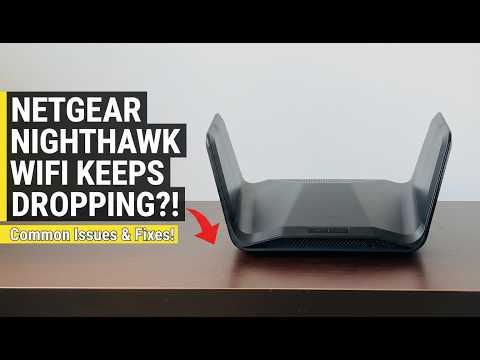
Netgear Nighthawk WiFi Keeps Dropping - How to Fix in USA (Step-by-Step Guide)
Addressing unstable connections and random disconnects by disabling Smart Connect, manually changing WiFi channels to avoid interference, and adjusting transmit power settings to stabilize the signal.
How to Troubleshoot Red Internet LED on Netgear Nighthawk AX5400
Addressing the red LED symptom by verifying physical cable integrity, the specific power-cycling sequence for modem-router handshakes, and checking for an IP address within the web interface.

FIX Your Nighthawk RS700S Slow Internet Speed Now
Addressing performance lag and slow throughput by covering firmware optimization, selecting correct frequency bands (5GHz/6GHz), and prioritizing devices via Quality of Service (QoS) settings.
How To Fix Nighthawk Router Not Working - Quick Troubleshooting Guide
Explaining the blinking amber LED meaning (typically firmware error or failed update) and demonstrating the Hard Reset technique using the recessed button and how to re-push firmware via the Nighthawk app.

How to Troubleshoot Netgear Nighthawk RAX50 Connectivity Issues
Solving the issue where specific devices cannot see or join the Nighthawk network - toggling the physical WiFi On/Off button and verifying security protocol compatibility (WPA2 vs WPA3) in the settings.

How to Troubleshoot your NETGEAR Wireless Router Network
Comprehensive resource covering LED diagnosis, advanced firmware updates through the browser portal, channel optimization for high-density areas, and the full factory reset and re-configuration process for unresponsive routers.