
Fix Dell OptiPlex 7010 — AI+Video Interactive Diagnostics
Dell OptiPlex 7010 Issues
Get help with your Dell OptiPlex 7010 from power problems to hardware upgrades. Like having a tech-savvy friend walk you through the fix.
- Power button not working or unresponsive
- Computer won't turn on or boot
- Hard drive failure and replacement
- RAM memory issues and upgrades
- Overheating and fan replacement
These are the videos our AI matches you to during your chat session below — describe your problem and it'll pick the right one and answer your questions as you go. You can also browse them here first.
![keyboard is not working in BOOT or BIOS | [solutions] 2022](https://img.youtube.com/vi/cnAt8eevxCY/hqdefault.jpg)
keyboard is not working in BOOT or BIOS | [solutions] 2022
Power button issues and keyboard problems during boot
![Fix Flashing Orange Power Button Dell, not Booting. SOLVED! (light of Death) [RAM & CMOS Battery]](https://img.youtube.com/vi/eWuyOIYKZ04/hqdefault.jpg)
Fix Flashing Orange Power Button Dell, not Booting. SOLVED! (light of Death) [RAM & CMOS Battery]
Orange power light issues and boot failures on Dell OptiPlex 7010
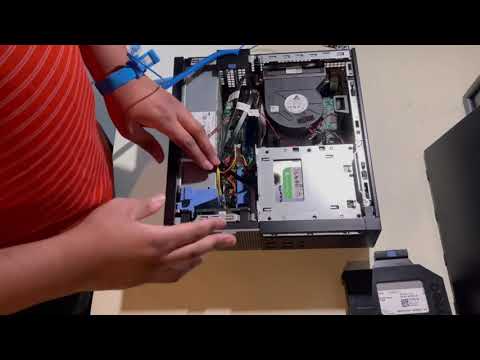
Dell OptiPlex 7010 SFF Hard Drive Removal and DVD Drive Replacement
Hard drive replacement and upgrade on Dell OptiPlex 7010 SFF
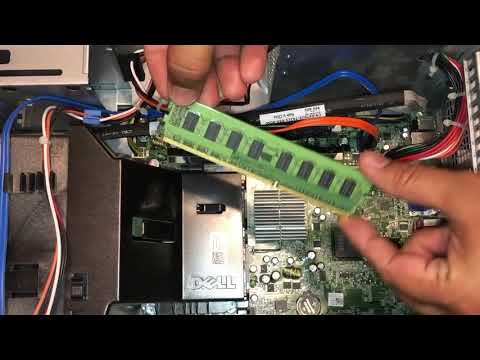
Dell Optiplex Memory RAM Upgrade
RAM memory upgrades and installation on Dell OptiPlex systems
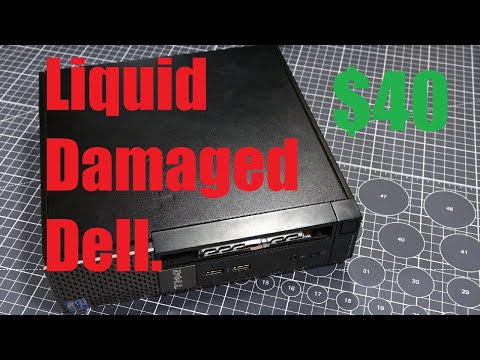
$40 and No Power - Let's Fix This OptiPlex 7010!
Comprehensive Dell OptiPlex 7010 repair and troubleshooting