
Fix HP Pavilion DV6 Issues — AI+Video Interactive Diagnostics
Common HP Pavilion DV6 Problems
Describe your issue below to get matched with the best repair video.
- Overheating and fan replacement
- Black screen display issues
- Keyboard keys not working
- Power jack loose connection
- Hard drive replacement and upgrade
These are the videos our AI matches you to during your chat session below — describe your problem and it'll pick the right one and answer your questions as you go. You can also browse them here first.
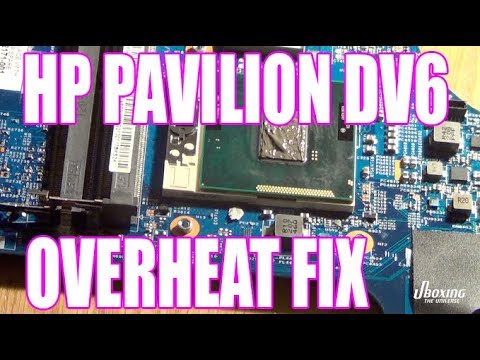
HP pavilion dv6 overheat loud fan fix
Fixing loud fan noise and overheating issues on HP Pavilion DV6.

How to fix the HP Pavilion dv6000 / dv9000 black / blank screen problem
Solving black screen and blank display issues without disassembly.
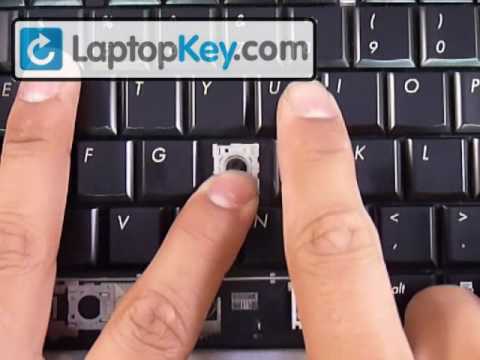
Repair Fix Keyboard Key | DV6 DV4 DV7 DV7-1000 | HP Replacement Repair Guide
Replacing individual keyboard keys and fixing key mechanisms on DV6.

How to Fix Test Power Jack - HP Laptop Computer
Testing and diagnosing power jack problems on HP laptops including DV6.
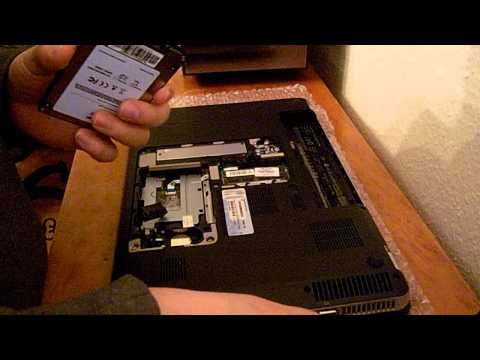
How-to Replace the Hard Drive for an SSD on a HP Pavilion dv6
Step-by-step hard drive replacement and SSD upgrade for HP Pavilion DV6.
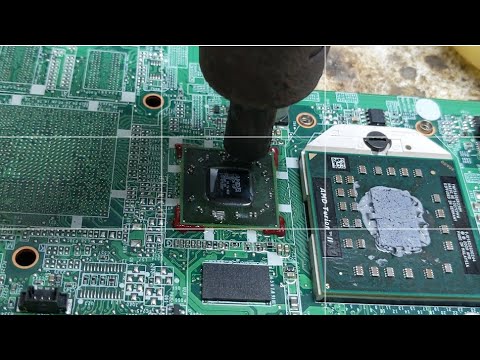
How to Hp Pavilion dv6 Fixed Graphic AMD card & Display problems solved
Comprehensive repair guide for graphics card and multiple display problems on DV6.