Quick Look

This page serves as a technical troubleshooting hub for the Lenovo ThinkPad T420. It focuses on resolving critical hardware and software issues, specifically targeting power failures, motherboard instability, and Windows 10 driver compatibility. The content is designed to guide DIY users through complex repairs while providing a direct link to an interactive AI-powered video diagnostic tool for step-by-step assistance. More FAQs

Fix Lenovo ThinkPad T420 Issues — AI+Video Interactive Diagnostics

Common Lenovo ThinkPad T420 Problems

Describe your issue below to get matched with the best repair video.

  • Fan noise and overheating issues
  • Keyboard keys not working or sticking
  • Screen flickering or display problems
  • Hard drive failure and replacement
  • Battery not charging or poor battery life
🎥 More About This Diagnostic Tool Browse the videos or read more before you start

These are the videos our AI matches you to during your chat session below — describe your problem and it'll pick the right one and answer your questions as you go. You can also browse them here first.
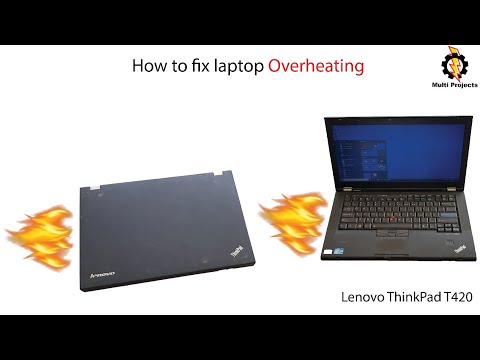
How To Fix laptop Overheating | Lenovo ThinkPad T420
How To Fix laptop Overheating | Lenovo ThinkPad T420

Complete teardown showing how to clean dust and replace thermal paste on ThinkPad T420.
Lenovo Keyboard Not Working - 6 Fix

Lenovo Keyboard Not Working - 6 Fix

Software fixes for Lenovo keyboard problems including driver and Windows settings solutions.
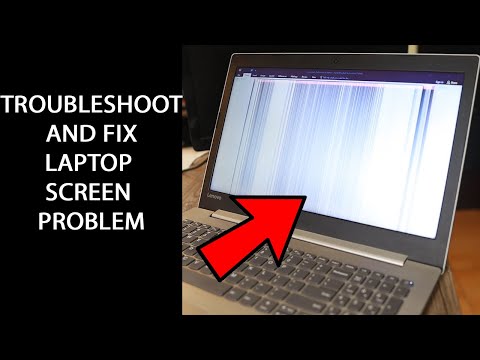
Laptop Display Screen Problem | How to troubleshoot and repair it yourself!
Laptop Display Screen Problem | How to troubleshoot and repair it yourself!

Systematic troubleshooting approach for various laptop display problems and connection issues.
Lenovo ThinkPad T420 Hard Drive replacement with SSD

Lenovo ThinkPad T420 Hard Drive replacement with SSD

Step-by-step ThinkPad T420 hard drive removal and SSD upgrade installation process.
How To Fix Lenovo Battery Wont Charge, 0% Available Plugged In Not Charging, Battery Not Detected

How To Fix Lenovo Battery Wont Charge, 0% Available Plugged In Not Charging, Battery Not Detected
Comprehensive troubleshooting for Lenovo laptop battery and charging system problems.
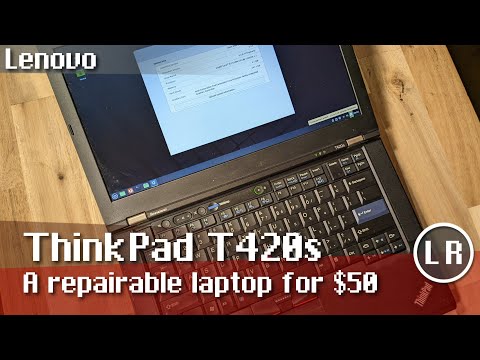
Lenovo ThinkPad T420s: A repairable laptop for $50

Lenovo ThinkPad T420s: A repairable laptop for $50

Comprehensive overview of ThinkPad T420 series including common issues and upgrade potential.
Lenovo ThinkPad T420 FAQ

Lenovo ThinkPad T420 Expert Repair & Upgrade Guide

Quick solutions for common hardware issues and performance upgrades for the ThinkPad T420.

What is the maximum RAM capacity for a ThinkPad T420?

While official documentation states 8GB, the T420 successfully supports up to 16GB of DDR3 RAM (2 x 8GB modules). Using 1600MHz sticks will usually downclock to 1333MHz unless a custom BIOS is used.

Can I install an SSD and keep my Hard Drive?

Yes. You can install an mSATA SSD in the internal mini-PCIe slot (under the keyboard) to use as a boot drive while keeping your standard 2.5″ SATA drive for storage. Note that the mSATA slot is limited to SATA II speeds.

Why is my T420 battery “Plugged in, not charging”?

This is often caused by using a 65W adapter when a 90W is required (especially for models with NVIDIA graphics), or a failing CMOS battery. Try a “static discharge” by removing all power and holding the power button for 30 seconds.

How do I fix the 1024×768 resolution limit in Windows 10?

This is a driver conflict. You must manually install the Intel HD Graphics 3000 driver via the Device Manager using “Compatibility Mode” for Windows 7 to restore the native 1366×768 or 1600×900 resolution.

Is it possible to upgrade the T420 screen to 1080p IPS?

The T420 does not natively support IPS panels. To upgrade to 1080p or 1440p IPS, you must install a third-party LVDS-to-eDP converter kit behind the LCD panel.