
Fix Linksys EA Series Router — AI+Video Interactive Diagnostics
Common Linksys EA Series Router Problems
Describe your issue below to get matched with the best repair video.
- No internet connection - router powered on but no signal
- Constant blinking lights (firmware issues)
- Forgot password or locked settings
- Performance drops or outdated firmware
- General connectivity or hardware stability problems
These are the videos our AI matches you to during your chat session below — describe your problem and it'll pick the right one and answer your questions as you go. You can also browse them here first.
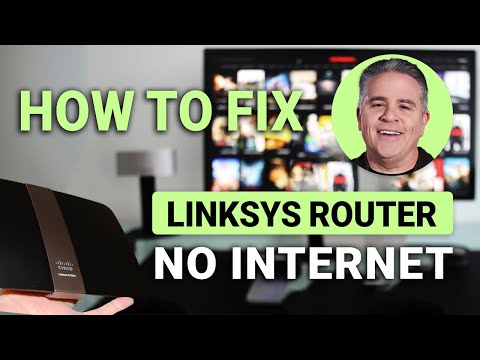
How To Fix Linksys Router No Internet: Quick Fix
Systematic approach to restoring internet connectivity, focusing on the connection between the modem and the EA series router when the router is powered on but failing to provide internet.
How do I fix a WiFi router that keeps blinking
Troubleshooting steps for interpreting and fixing blinking light symptoms that often occur during failed updates or power surges, indicating firmware hangs or malfunctions.

How To Reset Linksys Router To Factory Default Settings
The physical DIY reset procedure to wipe existing configurations and restore the router to factory state when locked out of dashboard or Wi-Fi due to lost credentials.

Linksys EA9500 - AC5400 WiFi 5 Router Setup, Reset & Firmware Update
Updating firmware and performing a clean reset to solve performance lag, slow speeds, and intermittent drops - applies to EA9500 but procedures work across the EA series.

Linksys Router Troubleshooting
Concise guide covering the most common failure points in the EA series hardware chain and how to isolate the router from the modem or cables when general connectivity fails.

How to Set Up Linksys EA Series WiFi Router: Manual Configuration
In-depth look at the EA series interface covering how to manually bypass Smart Wi-Fi errors, perform factory resets, and manually configure settings - essential for repairing a router that wont connect using standard automated tools.